
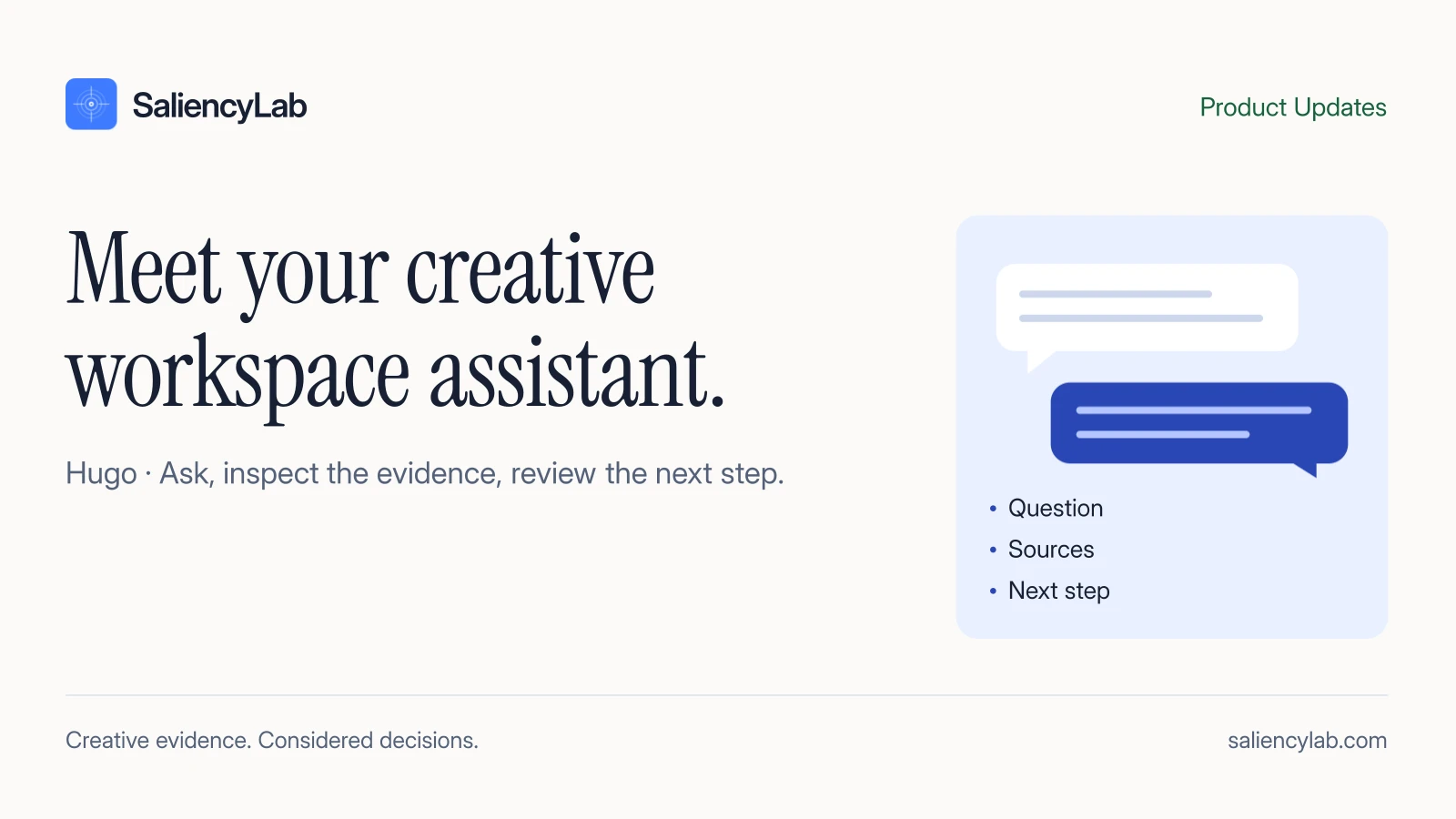
Start with the creative and the decision
A useful request is “Compare these two reports for this campaign and explain the main trade-off.” It identifies the assets, the context and the decision. “Tell me what will win” asks for certainty the evidence cannot provide.
Hugo can help you navigate the analysis rather than starting a disconnected conversation about advertising in general. Its answer still needs to be checked against the creative and the source report.
Three useful requests
| Your question | What to inspect in the answer |
|---|---|
| “What is the main issue in this report?” | The exact creative moment and diagnostic it cites |
| “How do these versions differ?” | Correct asset versions and comparable context |
| “Turn this finding into an edit direction.” | A specific change, evidence and something to preserve |
These are ways to frame a conversation, not promises that every action is available in every workspace. Use the tools and permissions shown in your current session.
An answer is different from a completed action
An assistant can describe an analysis without having run one. Before treating a request as complete, look for the resulting report, job status or saved output. Paid analysis and workspace changes must follow the product’s confirmation and permission flow.
If an action fails, retain the original creative and report context and inspect the error rather than interpreting a conversational response as success.
Keep evidence types visible
RoastIQ outputs are model diagnostics. BuyerLens answers are simulated. A human review is a separate action, and campaign outcomes are a separate source. Hugo’s summary should preserve those distinctions and link back to supporting material where available.
A progress label describes an operation being performed; it is not a transcript of the model’s private reasoning. The useful transparency is what source was used, what action completed and what the evidence supports.
Use it in the workflow
Learn about Hugo or watch the product demo. For a structured read of the underlying report, start with how to read a RoastIQ report.