
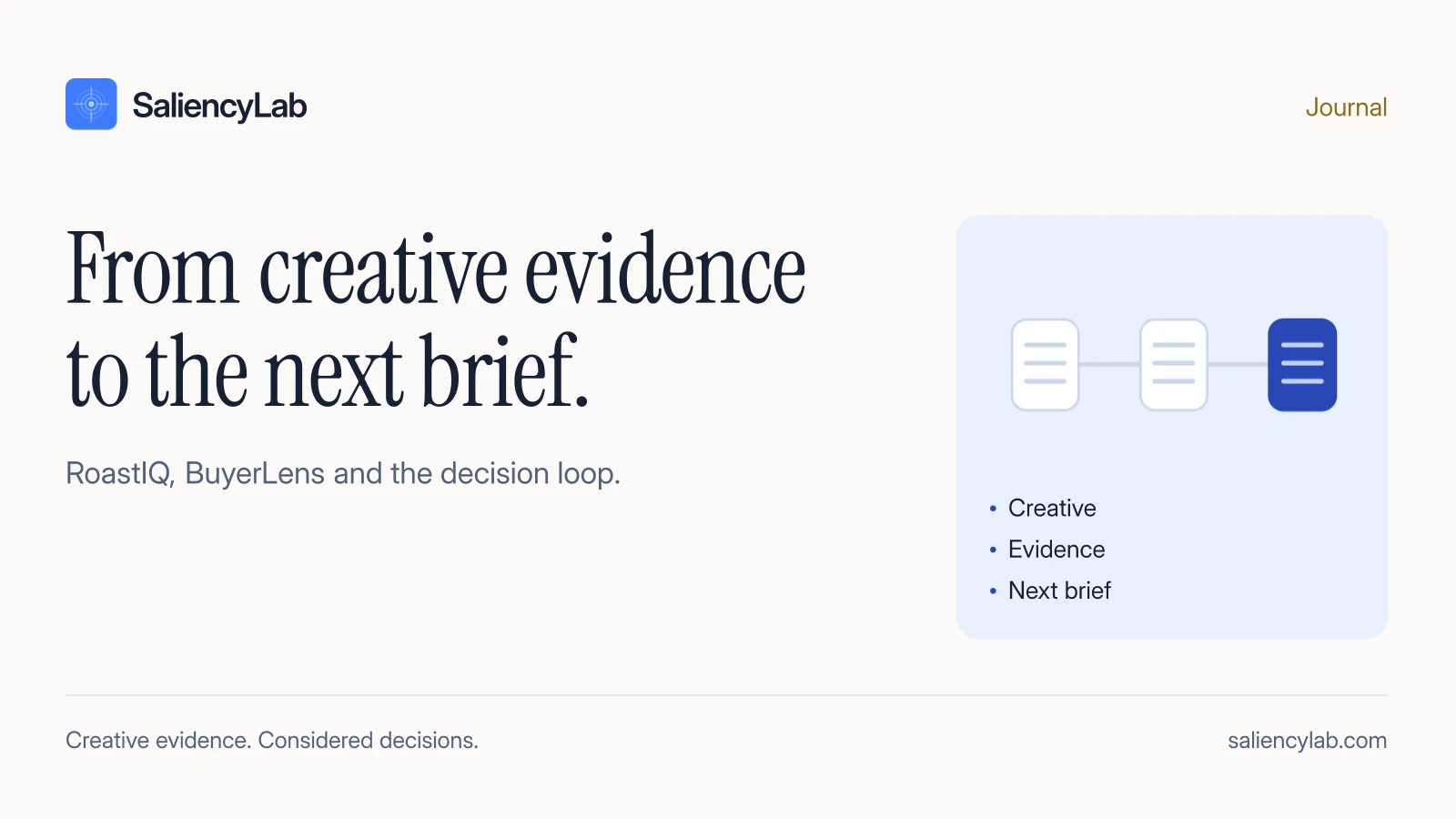
Start with the decision
Suppose a team is choosing between several cuts of the same ad. The question is not “can we generate another report?” It is “which creative deserves investment, and is there a specific issue to fix before we commit?” Define the audience, placement, offer and decision first. Keep them consistent when comparing versions.
Follow one creative through the review
| Stage | What you inspect | What you take forward |
|---|---|---|
| RoastIQ | Five diagnostic KPIs and source creative evidence | A specific strength or concern to check |
| BuyerLens, when useful | Simulated interpretations and objections | A messaging hypothesis, including disagreement |
| Human decision | Asset evidence, constraints and relevant real outcomes | Keep, change, back or gather missing evidence |
| Revision | The revised file against the original brief | Confirmation that the requested edit exists |
| Measurement | Comparable campaign outcomes | Evidence about the decision in market |
The stages answer different questions. They should share the exact creative version so a recommendation about an older cut does not accidentally guide a new one.
Use the diagnostic to find the issue
Read the RoastIQ report with the ad open. If the report says the offer appears late, inspect the timestamp and check whether the offer is actually legible. A model can misread text or miss context. The evidence should survive that inspection.
A low score is a prompt to investigate a dimension, not a mandate to change everything. A strong opening may be worth preserving even if the product demonstration needs work.
Ask a neutral buyer question
If the issue is audience understanding, use a question such as “What do you think is being offered, and which part of the ad led you to that answer?” Avoid telling the persona that the offer is unclear before asking.
BuyerLens answers are simulated and can be influenced by the RoastIQ context supplied. Agreement does not independently validate the diagnostic. Preserve answers that challenge the proposed explanation.
Turn evidence into an edit brief
An illustrative instruction is: “Show the product in use during the opening scene. Preserve the existing brand cue. Check the exported cut on a phone at normal playback speed.” That is reviewable. “Improve Sell Proposition by 25 points” is not a supported forecast.
Use a brief with the source moment, observed issue, proposed change, what to preserve and a visible completion criterion. These are editorial fields you can maintain alongside the project; this guide does not claim every field is automatically populated by the app.
Check the revision and make the call
First check that the editor made the intended change. Then compare any new diagnostic with the old one using consistent context and scoring version. If the score changes, inspect why. Do not keep revising solely to maximize a number.
A rerun can show that the model assessed the new version differently. It cannot confirm improved sales, recall or audience response. After live testing, comparable performance evidence should inform which ad you double down on.
End with an owner and an action
Record the selected creative, reasoning, remaining uncertainty and who owns the next step. If a human has not reviewed the output, do not describe it as expert-approved. The purpose of the workspace is a clearer decision with evidence that can be reopened.
Watch the workflow or book a demo to discuss how a review fits your team.