
Start with the meeting’s purpose
A report presentation should help someone make a decision. Write the decision in the title of the first slide: which version to back, what to change or why the current evidence is insufficient. If the deck begins with the platform’s feature list, the reader has to infer the recommendation.
Download the editable six-slide HTML template. Open it in a browser, edit the text and use Print to save a PDF. The template includes instructions for saving your edited copy. It is a standalone editorial resource, not a claim about a built-in app export.
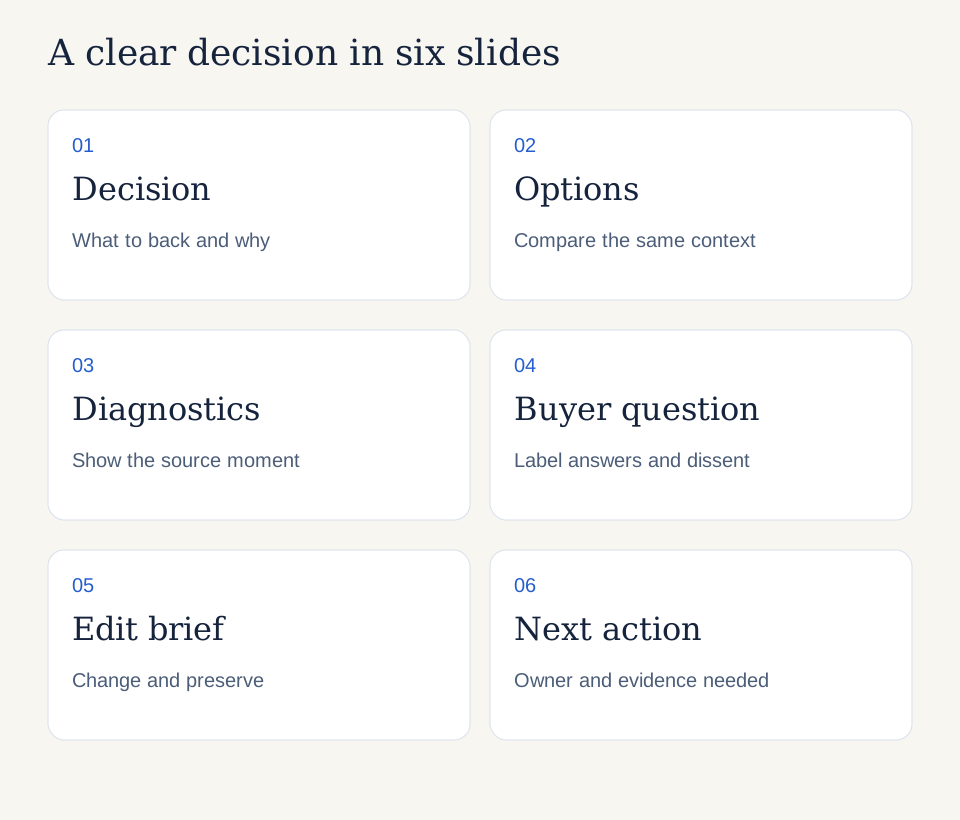
Slide 1: The decision
Show the selected creative or version identifier prominently. Give one sentence of reasoning and the main limitation. If the work has not received human review, do not label it expert-approved.
Avoid a cover slide that repeats the company name without saying what the client must decide. The creative and the recommendation should carry the page.
Slide 2: The options
Show the candidates side by side with the same information: version, duration, offer and placement. Explain meaningful differences. Do not compare a first-purchase offer with a refill offer as though only the editing changed.
If some candidates have real campaign data and others only diagnostic scores, make that difference explicit. A single unqualified ranking would hide unequal evidence.
Slide 3: The diagnostic evidence
Use one or two source moments to explain the principal issue. Include the five-KPI pattern only where it helps the reader understand the recommendation. A screenshot full of small text is not a presentation.
Label predicted attention and other model outputs. A visible frame can establish that a logo appears; it cannot establish that buyers remembered it. Keep the full report link available for detail.
Slide 4: The buyer question
Show a traceable answer and any meaningful disagreement. Identify whether the answer came from a real person, an AI simulation or authored example content. Do not manufacture a customer quote to fill the template.
If no interviews were needed, replace the slide with the unresolved audience question and why the current decision can proceed without it. The structure should serve the evidence, not force a study into every review.
Slide 5: The edit brief
Show what to keep, what to change and a visible completion criterion. Keep the main edit specific enough for the editor to act without attending the meeting. Use the revision brief template for the full handoff.
A predicted improvement in points is not an acceptance criterion. The revised export should make the intended change visible and preserve the agreed strengths.
Slide 6: Owner, action and evidence still needed
Name the next action and its owner. If campaign evidence supports backing a version, make the investment recommendation. If the result is inconclusive, specify the smallest useful next evidence step and the decision it could change.
Do not end with “keep testing” by default. The purpose is a decision, with uncertainty explained and responsibility assigned.
Before sharing
Check links, asset versions, text size and confidentiality. Remove unused placeholders. A client should be able to distinguish what was observed, what was predicted and what the reviewer recommends. Watch SaliencyLab for the workflow behind the report.